Our verdict
The 13-inch Surface Laptop is Microsoft's closest Windows answer to the MacBook Air: neat, light at 1,225g and built around battery life rather than gaming power. It uses a 6-core Snapdragon X2 Plus chip, which is Arm-based rather than the Intel or AMD chips most Windows programs were written for. Microsoft rates the battery at up to 22.5 hours of video playback and up to 18 hours of active web browsing, though those are its own figures. The 13-inch touchscreen is 1920 x 1280 pixels at 60Hz. For browsers, Microsoft 365, streaming and video calls it is a pleasant machine. Old workplace programs, specialist utilities and some accessories can still cause problems, so check before you buy.
Buy it if
- You want a portable Windows laptop for documents, calls and browsing
- Battery life matters more than gaming
- You prefer a clean, uncluttered setup
Skip it if
- Your employer uses old or specialist Windows software
- You want to play demanding computer games
- You rely on older printers, scanners or other accessories that may not have Arm drivers
Featured in
How it would fit your home
Hybrid work
Email, Office, Teams and carrying between home and work suit a 1,225g laptop with a USB-A port for a mouse or memory stick.
Travel and study
Compact dimensions and Microsoft's 22.5-hour video playback rating (its own figure) make it easy to live with.
Legacy workplace systems
Only buy after the exact software and accessories have been confirmed compatible.
The details, in plain English
Daily experience
Microsoft controls both the hardware and Windows, so the laptop feels unusually coherent. The keyboard is comfortable, wake-up is quick and video calls are handled cleanly. Microsoft says its camera was ranked number one for laptop cameras by DXOMARK, a camera-testing firm, and it also has facial recognition for signing in. It suits people who want Windows without a collection of duplicate manufacturer utilities.
Battery and speed
The 6-core Snapdragon X2 Plus is designed for efficiency, so the laptop runs cool and battery life is a real strength. Microsoft quotes up to 22.5 hours of video playback and up to 18 hours of active web browsing. Treat these as best-case figures. Office work, browsing and streaming are smooth. Games, complex creative plug-ins and long rendering jobs are not the target; a laptop with an Intel or AMD chip or separate graphics is safer for those.
Screen and ports
The 13-inch touchscreen is 1920 x 1280 pixels, sharp enough for documents and video, and refreshes at 60Hz, meaning 60 updates a second. That is standard for a laptop but less smooth than 120Hz screens. You get two USB-C (USB 3.2) ports, one USB-A port and a headphone jack, so a mouse, memory stick and charger can all be connected without a hub.
Compatibility
Mainstream programs increasingly provide native Arm versions, and Windows can translate many older applications. Translation is not perfect. Check VPN software, printers, scanners, accounting tools, music hardware and employer security software specifically rather than assuming every Windows device behaves identically. Ask your IT team about the exact programs you rely on. If a required program has no Arm version and translation struggles, a laptop with an Intel or AMD chip is the safer buy, even if its battery life is shorter.
Strengths and drawbacks
What it does well
- Light at 1,225g and neat enough to carry every day
- Microsoft rates it at up to 22.5 hours of video playback and 18 hours of active web browsing
- Two USB-C ports, a USB-A port and a headphone jack: more choice than a MacBook Air
- Comfortable keyboard, responsive trackpad and a touchscreen
- Clean Windows setup without excessive manufacturer software
What to watch out for
- Arm-based chip: specialist software and some accessories still need checking
- The screen is 60Hz, so scrolling looks less fluid than on 120Hz laptops
- Not designed for serious gaming or 3D work
- The screen is good rather than class-leading at this price
The MacBook Air is the stronger default if macOS suits you, while ASUS's Zenbook A14 offers a screen with richer blacks and Lenovo's Yoga line provides more configuration choice. Surface wins through a particularly clean Windows experience.
Alternatives we have reviewed
| Product | Our verdict | Price | Buy |
|---|---|---|---|
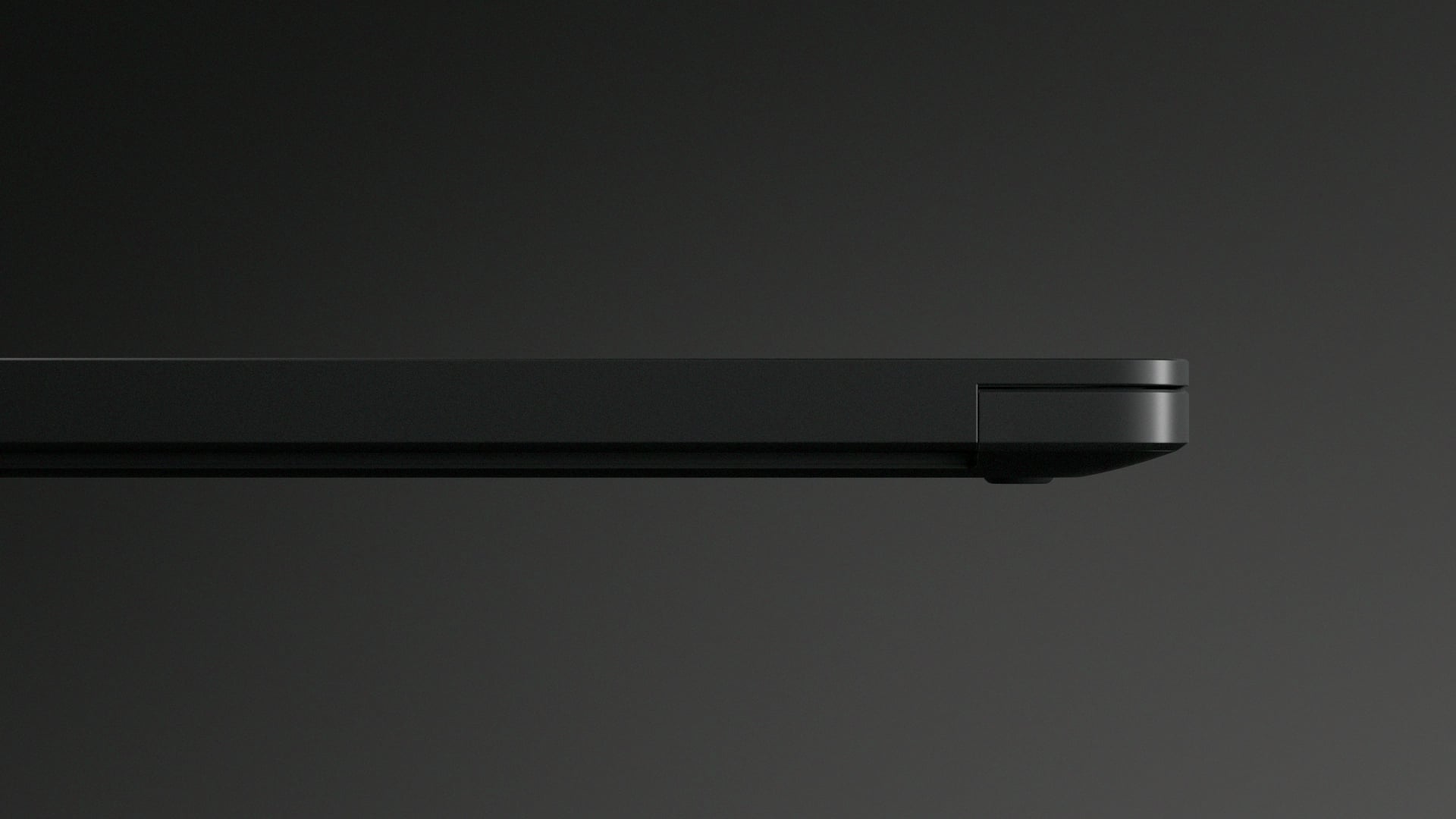 Microsoft Surface Laptop 13-inch (this one) Microsoft Surface Laptop 13-inch (this one) | A lovely everyday Windows laptop for documents, calls and streaming, once you have confirmed that your software and accessories work with its Arm-based chip. | £999RRP · 16GB memory and 512GB storage, RRP recorded 12 Oct 2026 | Check price |
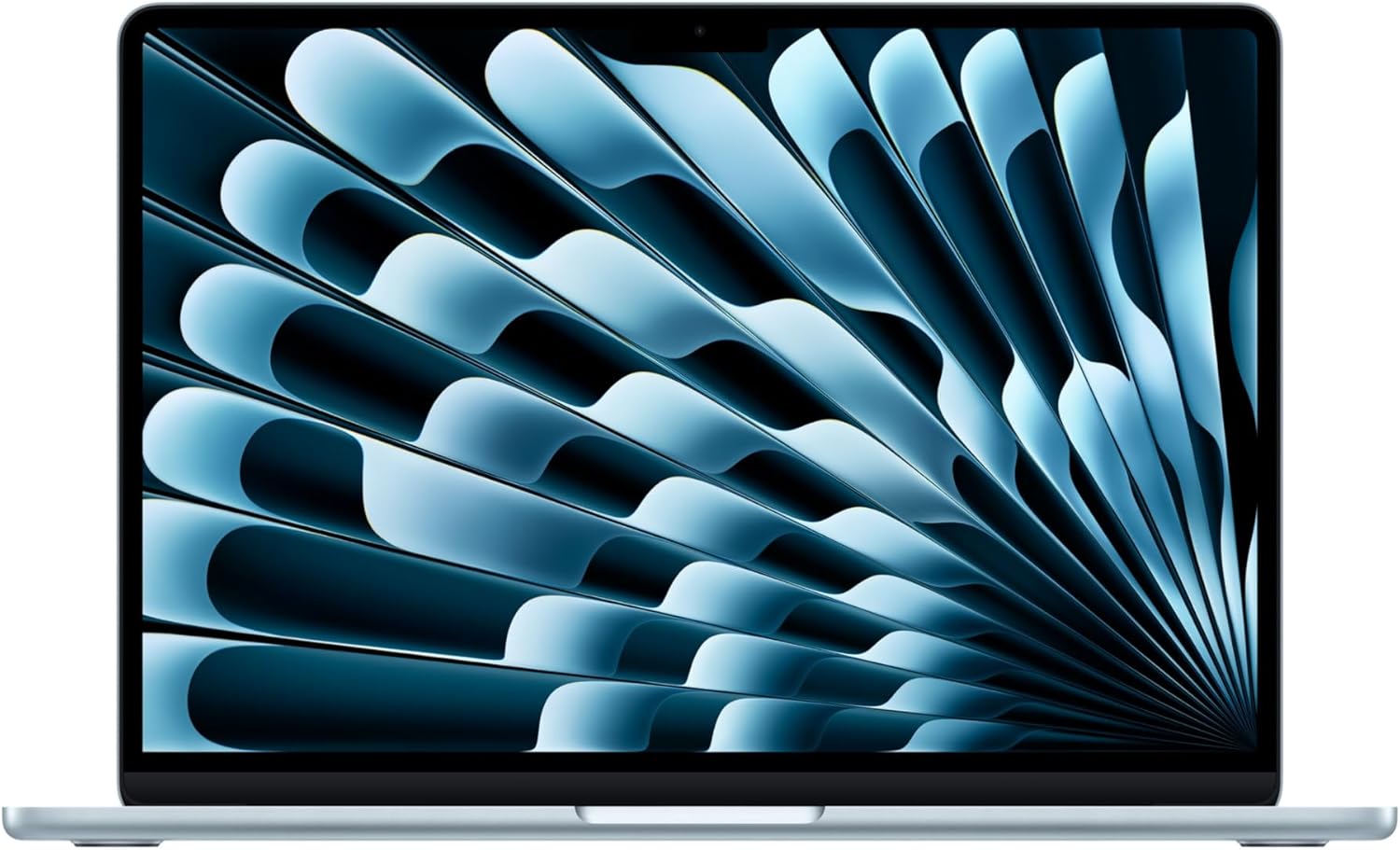 Apple MacBook Air 13 M5 Apple MacBook Air 13 M5 | A strong fit for portable everyday work, if two USB-C ports and memory you cannot upgrade suit the way you use a laptop. | £1,099RRP · 13-inch, 16GB memory and 512GB storage, RRP recorded 12 Oct 2026 | Check price |
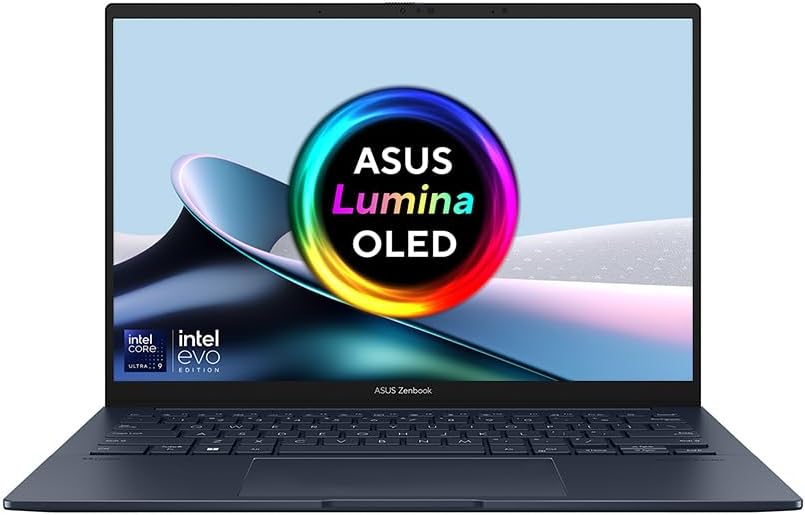 ASUS Zenbook 14 OLED ASUS Zenbook 14 OLED | A light 14-inch laptop with a sharp OLED screen and generous memory and storage, worth £1,099 mainly if you will actually use the 32GB and 1TB. | £1,09932 GB fast memory · 1 TB storage, Price recorded 1 Aug 2026 | Check price |
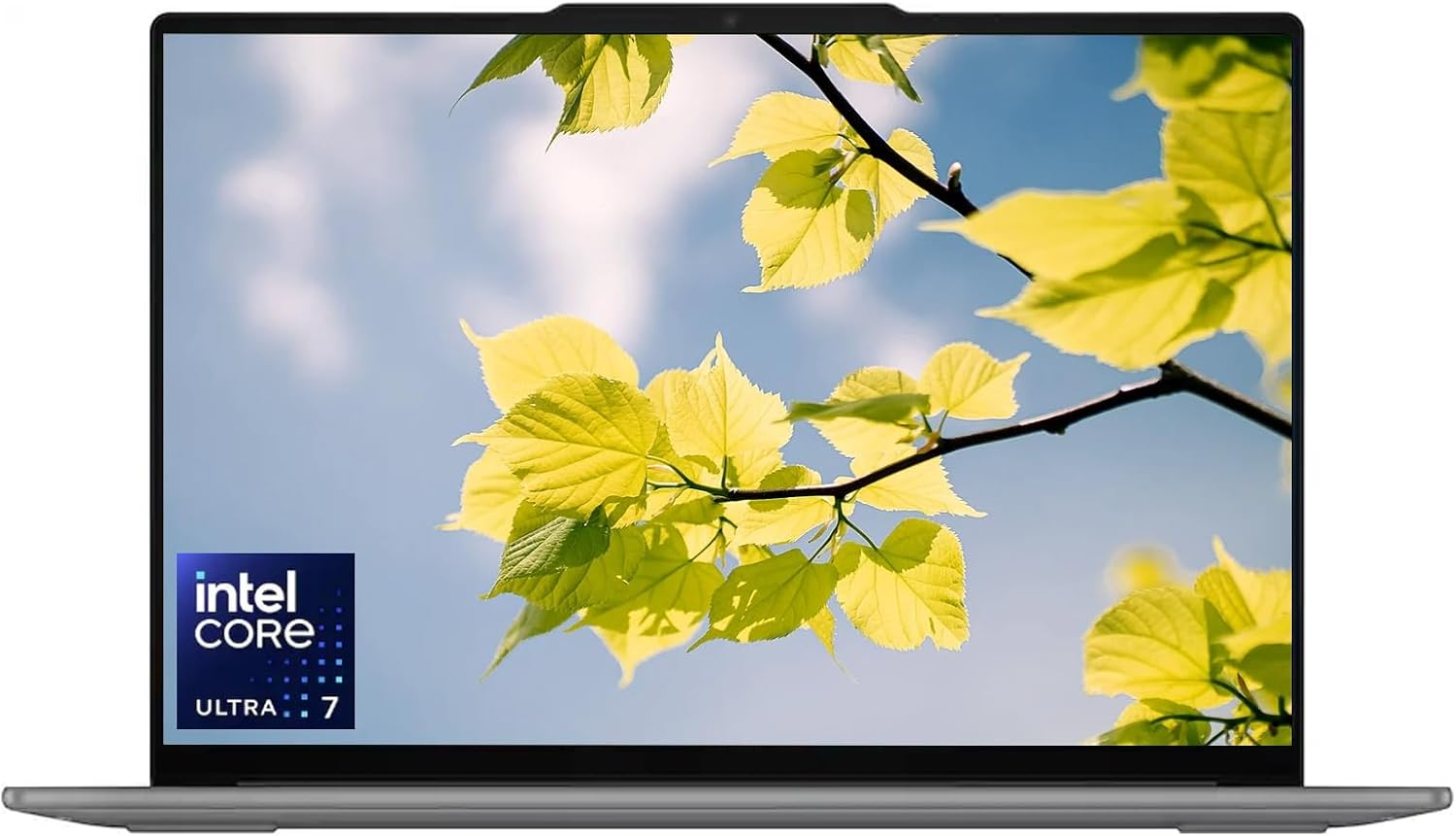 Lenovo Yoga Slim 7i Aura Edition Lenovo Yoga Slim 7i Aura Edition | A well-balanced high-end Windows laptop for people who want a big, sharp screen and good battery life, as long as you check the exact configuration and pay around £1,099 rather than more. | Around £1,099with 16GB memory and 1TB storage, Price recorded 30 Jul 2026 | Check price |
Worth reading next
Where our findings come from
This research-based review separates mainstream performance from specialist compatibility. Microsoft's listed features were checked against independent battery and usability testing, and the score includes an explicit deduction for unresolved Arm edge cases.