Our verdict
The Zenbook 14 OLED is a slim 14-inch laptop. Notebookcheck's review model has a 2880 x 1800 OLED screen that refreshes 120 times a second, so text is sharp, colours are rich and scrolling looks smooth. Our version has 32GB of memory (RAM, the space for open apps) and a 1TB SSD (the drive that holds your files), enough for many browser tabs, documents and large photo or video libraries. Notebookcheck weighed its unit at 1.213kg. Two things to keep in mind: performance depends on cooling and power settings, and it gets louder in its fastest mode. Battery claims are best-case, and real use will be shorter. The exact version was £1,099 at our 1 August 2026 check.
Buy it if
- You keep many apps and browser tabs open and want 32GB of memory
- You work with large photo or video files and want 1TB of storage
- You want a light laptop with a sharp OLED screen for travel
Skip it if
- You only browse and write documents, where a cheaper laptop with less memory would do
- You often work in bright rooms and dislike glossy screens
- You need a quiet machine while it is working hard
How it would fit your home
Multitasking for work or study
With 32GB of memory you can keep documents, video calls and dozens of tabs open together without the laptop slowing down.
Photos and video on the move
The 1TB drive holds large libraries, and the 2880 x 1800 OLED screen shows detail and colour well. It weighs about 1.2kg.
Working in a bright room
Notebookcheck describes the screen as glossy. Try it in the light you will use it in before buying.
The details, in plain English
Memory and storage
Our version has 32GB of memory and a 1TB SSD. Memory (RAM) is what the laptop uses to keep several apps running at once, and 32GB is generous for everyday use. Notebookcheck's reviewed unit used fast LPDDR5x memory that is soldered to the board, so you cannot add more later. The 1TB SSD stores files and starts programmes quickly, and gives plenty of space for photos, video and documents.
Screen
Notebookcheck describes a 14-inch OLED display at 2880 x 1800 pixels and 120Hz. OLED lights each pixel individually, so blacks look deep and colours stand out. The 120Hz refresh rate means the picture updates 120 times a second, so scrolling and cursor movement look smoother. Notebookcheck measured a maximum of 395 cd/m2 in SDR, which is fine indoors, and the glossy finish can reflect windows and lamps.
Portability and ports
Notebookcheck weighed its unit at 1.213kg, which is easy to carry daily. Its ports were two USB-C 4.0 ports with Thunderbolt 4, one USB-A 3.2 Gen 1, one HDMI 2.1 and a headphone jack. Thunderbolt 4 is a fast USB-C connection for drives and monitors. It also has a 75Wh battery, but battery claims are best-case figures and real use will be shorter.
Noise and cooling
Performance depends on cooling and power settings, not the chip name alone. Notebookcheck found its fastest performance mode reached about 50 dB(A), which is clearly audible, while the standard and whisper modes were quieter. For office work, study and video calls, the quieter modes will be enough. Choose the fast mode only for heavy jobs. Check keyboard feel too; Notebookcheck lists 1.4mm key travel and a three-level backlight.
Strengths and drawbacks
What it does well
- 32GB of memory: room for many apps, tabs and large files open at once
- 1TB SSD: space for photos, video and documents without leaning on cloud storage
- 14-inch 2880 x 1800 OLED screen at 120Hz (Notebookcheck's unit): sharp, colourful and smooth to scroll
- About 1.2kg (Notebookcheck measured 1.213kg): easy to carry
- Two Thunderbolt 4 USB-C ports, HDMI 2.1 and USB-A on the reviewed model
What to watch out for
- Performance depends on cooling and power settings; Notebookcheck measured about 50 dB(A) fan noise in its fastest mode
- Battery claims are best-case figures and real use will be shorter
- The reviewed screen is glossy, so reflections can be a problem in bright rooms
- Memory is soldered on, so it cannot be upgraded later
We compare the Zenbook 14 OLED with other 14-inch laptops that have similar memory, storage and screens, and we keep the exact configuration visible. A cheaper model with less memory is a different machine and is not treated as the same value. At £1,099 with 32GB and 1TB, check whether you will use that memory and storage before paying for them.
Alternatives we have reviewed
| Product | Our verdict | Price | Buy |
|---|---|---|---|
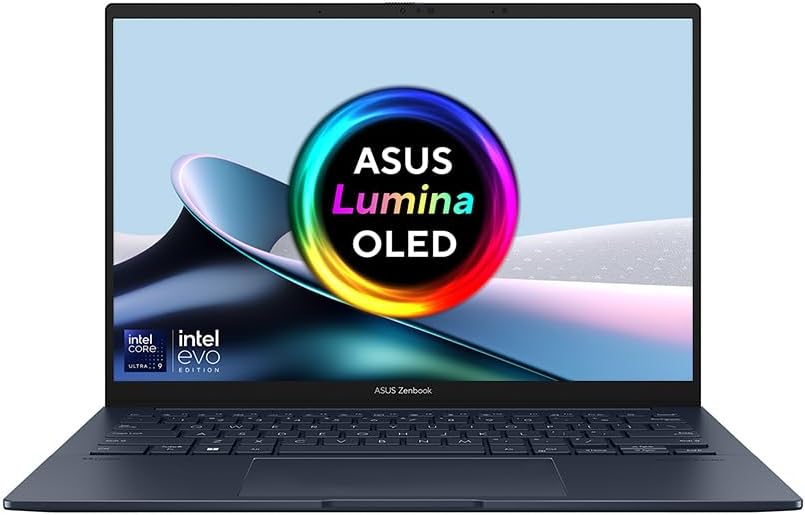 ASUS Zenbook 14 OLED (this one) ASUS Zenbook 14 OLED (this one) | A light 14-inch laptop with a sharp OLED screen and generous memory and storage, worth £1,099 mainly if you will actually use the 32GB and 1TB. | £1,09932 GB fast memory · 1 TB storage, Price recorded 1 Aug 2026 | Check price |
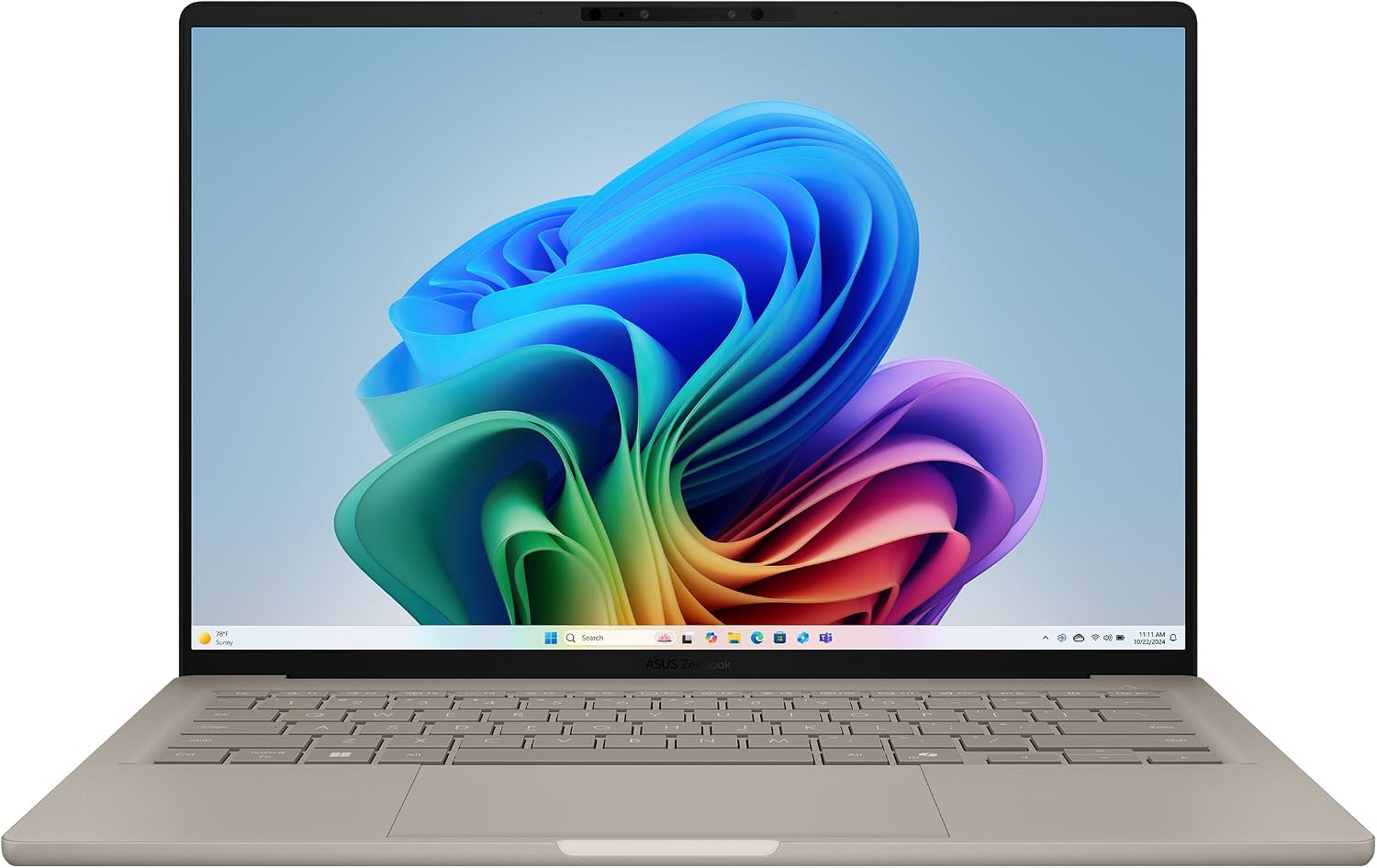 ASUS Zenbook A14 (UX3407) ASUS Zenbook A14 (UX3407) | The best travel-first Windows choice, once you have checked that your apps and accessories work on a Snapdragon (Arm) laptop. | Around £899with 16GB memory and 512GB storage, Price recorded 30 Jul 2026 | Check price |
 ASUS Vivobook V16 ASUS Vivobook V16 | A sensible large-screen Windows laptop with the right memory and storage, if you value screen space over low weight. | £79916 GB memory · 512 GB storage, Price recorded 1 Aug 2026 | Check price |
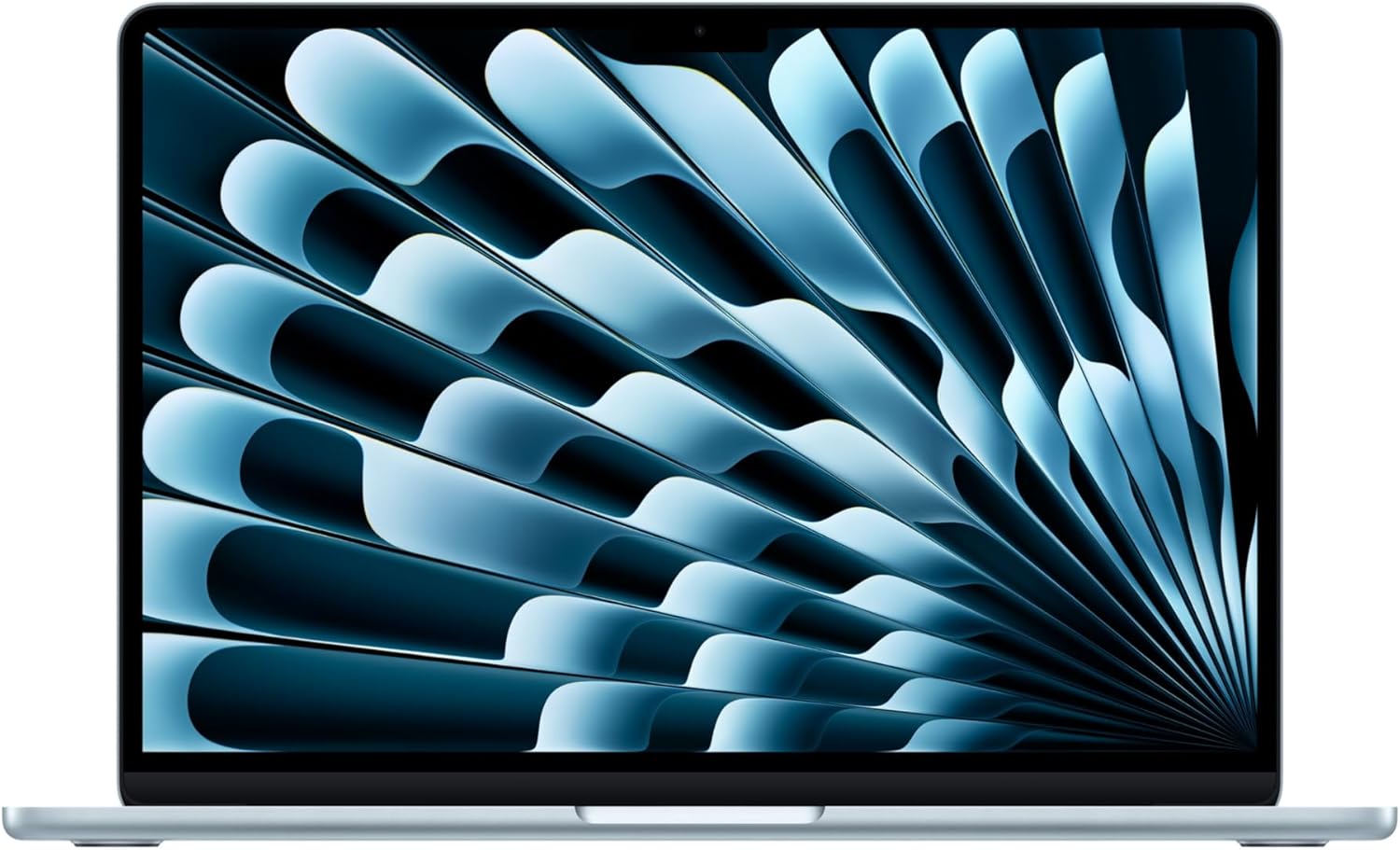 Apple MacBook Air 13 M5 Apple MacBook Air 13 M5 | A strong fit for portable everyday work, if two USB-C ports and memory you cannot upgrade suit the way you use a laptop. | £1,099RRP · 13-inch, 16GB memory and 512GB storage, RRP recorded 12 Oct 2026 | Check price |
Worth reading next
Where our findings come from
Research-based review; we have not tested this laptop ourselves. Specifications and measurements come from Notebookcheck's independent review of the Zenbook 14 OLED, whose unit had a Core Ultra 7 155H, and from the listed ASUS and other sources. Figures quoted are Notebookcheck's, not ours.