Our verdict
The ASUS Vivobook V16 is a large laptop for work, study and home use. The version we priced has 16GB of memory, which lets you keep many browser tabs and documents open, and a 512GB SSD (solid-state drive) for files and quick start-up. TechRadar tested a higher-spec V16 with a 16-inch 1920 x 1200 screen, which shows more of a page than a 1080p widescreen, at 144Hz, so it refreshes 144 times a second for smoother scrolling. The screen is anti-glare, but TechRadar found it could look washed out and reflective. It weighed about 1.95kg. We checked £799 for this configuration on 1 August 2026.
Buy it if
- You want a big screen for documents, spreadsheets and video
- You need 16GB of memory and 512GB of storage at a mid-range price
- You mostly use it on a desk, or in a few places around the house
Skip it if
- You need a light laptop to carry every day
- You want the best colour and least reflection from the screen
- You need a wired network port without an adapter
How it would fit your home
Home and study
The 16-inch screen fits two windows side by side, and 16GB of memory keeps several tabs and documents open.
Video and streaming
The 16-inch screen gives films and series plenty of room. TechRadar found the anti-glare screen could look washed out and reflective, so position it away from bright windows.
Typing-heavy work
TechRadar described a keyboard with a pleasing amount of travel and a clicky, snappy feel. It has a 3.5mm headphone jack, HDMI 2.1 and a USB-C port.
The details, in plain English
Memory and storage
Our price applies to the 16GB memory and 512GB storage version. Memory is the space the laptop uses to run programmes at once, so 16GB copes with many tabs, documents and video calls together. The SSD holds your files and loads Windows quickly. TechRadar's unit used DDR5-5600 memory and a PCIe 4.0 NVMe SSD. At 512GB, large photo and video libraries will need cloud or external storage.
Screen
TechRadar's unit had a 16-inch WUXGA screen, which means 1920 x 1200 pixels, in a taller 16:10 shape that shows more of a document than a 16:9 screen. It refreshes at 144Hz, so scrolling and cursor movement look smoother, and it has an anti-glare finish. TechRadar still found it could look washed out and reflective, so check it in a bright room if possible.
Battery and weight
TechRadar tested a higher-spec version with a separate graphics chip, so its battery results will not match this model; check the listed battery life for the exact version you buy. The laptop measured 357 x 251mm and 18 to 22mm thick, and it weighed 1.95kg, so it is a bag-filler more than a grab-and-go machine.
Ports and keyboard
The V16 has a USB-C port with power delivery and display output, two USB-A ports, HDMI 2.1 and a headphone jack, with Wi-Fi 6 and Bluetooth 5.3, per TechRadar. There is no Ethernet port, and most ports sit on the left. TechRadar noted some heat on the keyboard after use.
Strengths and drawbacks
What it does well
- 16GB of memory for everyday multitasking
- 512GB SSD for files and quick start-up
- 16-inch 1920 x 1200 screen in TechRadar's unit, with room for documents and video
- 144Hz refresh rate on TechRadar's review unit, for smoother scrolling
What to watch out for
- About 1.95kg in TechRadar's higher-spec review unit, heavy to carry daily
- TechRadar found the display could look washed out and reflective
- Some heat on the keyboard and no Ethernet port
- Ports are mostly on the left side, which can be awkward
- Performance depends on cooling and power settings, and battery claims are best-case
The Vivobook V16 is compared with memory, storage, screen and operating system kept visible; a cheaper low-memory model is not treated as the same machine. Compare 16-inch laptops at similar money, and confirm the exact configuration and price before buying.
Make the ASUS Vivobook V16 easier to live with
Add-ons that answer a drawback we named above. Check compatibility with your exact model before buying.
Solves: some heat on the keyboard and no Ethernet port
Belkin USB-C to Ethernet + Charge Adapter INC001btBK Not yet reviewed by us
Adds a wired-network where the review names the lack of Ethernet; it does not solve keyboard heat.
Check first: Requires compatible USB-C host and operating-system support.
Alternatives we have reviewed
| Product | Our verdict | Price | Buy |
|---|---|---|---|
 ASUS Vivobook V16 (this one) ASUS Vivobook V16 (this one) | A sensible large-screen Windows laptop with the right memory and storage, if you value screen space over low weight. | £79916 GB memory · 512 GB storage, Price recorded 1 Aug 2026 | Check price |
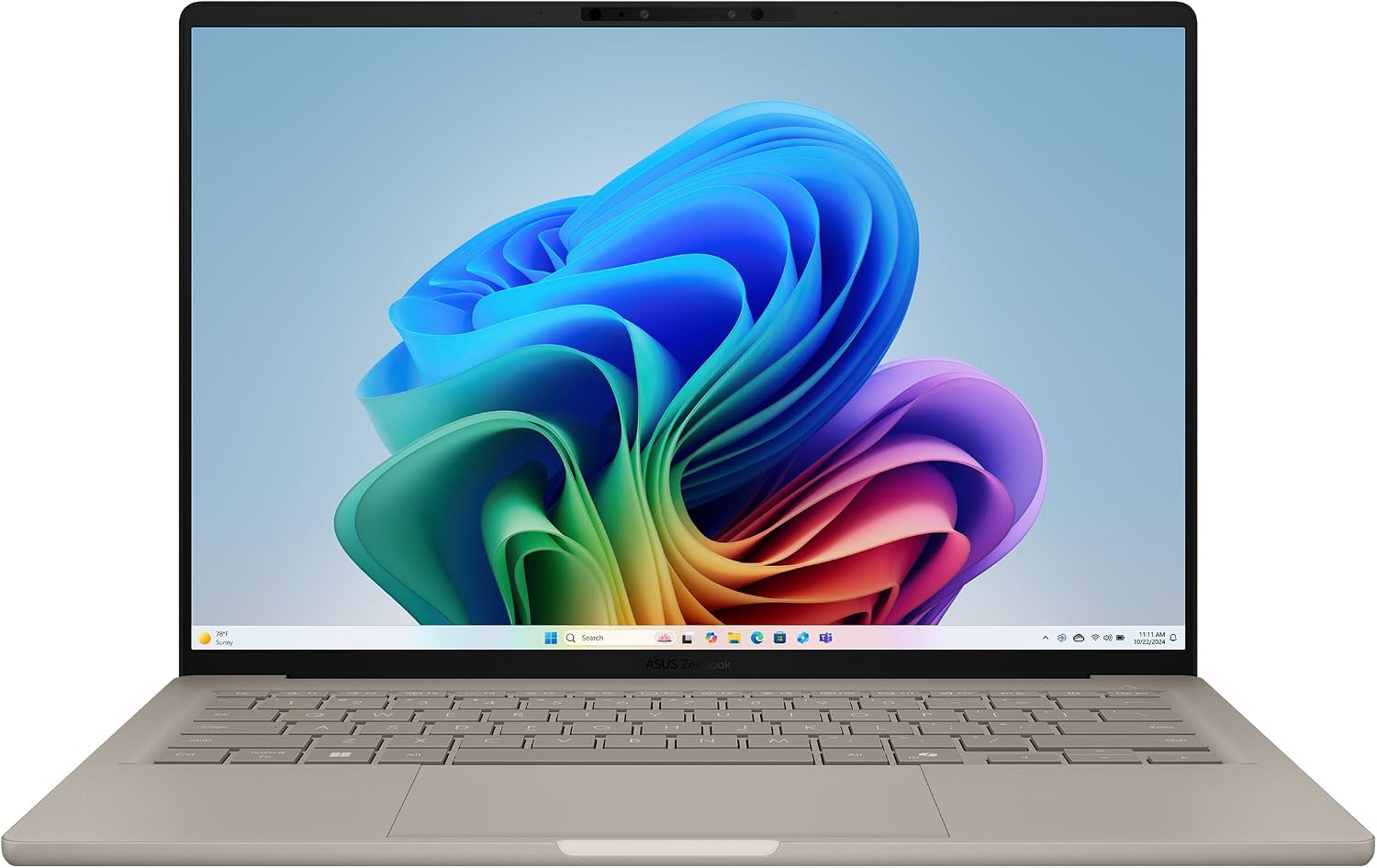 ASUS Zenbook A14 (UX3407) ASUS Zenbook A14 (UX3407) | The best travel-first Windows choice, once you have checked that your apps and accessories work on a Snapdragon (Arm) laptop. | Around £899with 16GB memory and 512GB storage, Price recorded 30 Jul 2026 | Check price |
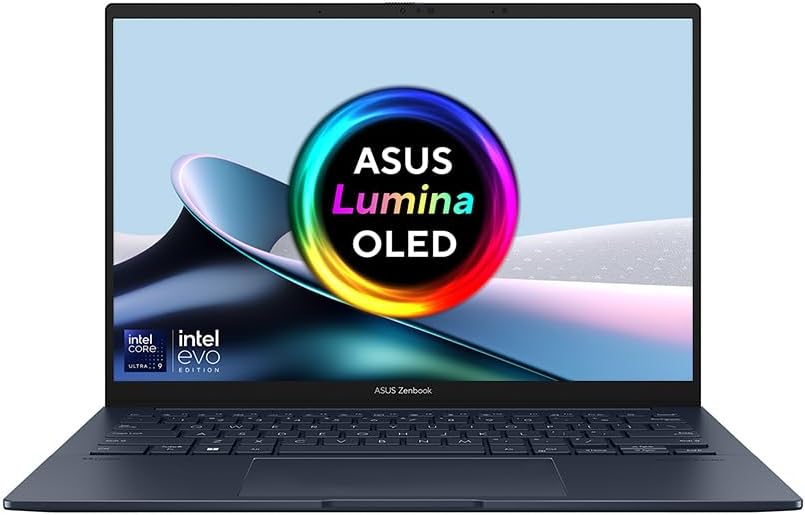 ASUS Zenbook 14 OLED ASUS Zenbook 14 OLED | A light 14-inch laptop with a sharp OLED screen and generous memory and storage, worth £1,099 mainly if you will actually use the 32GB and 1TB. | £1,09932 GB fast memory · 1 TB storage, Price recorded 1 Aug 2026 | Check price |
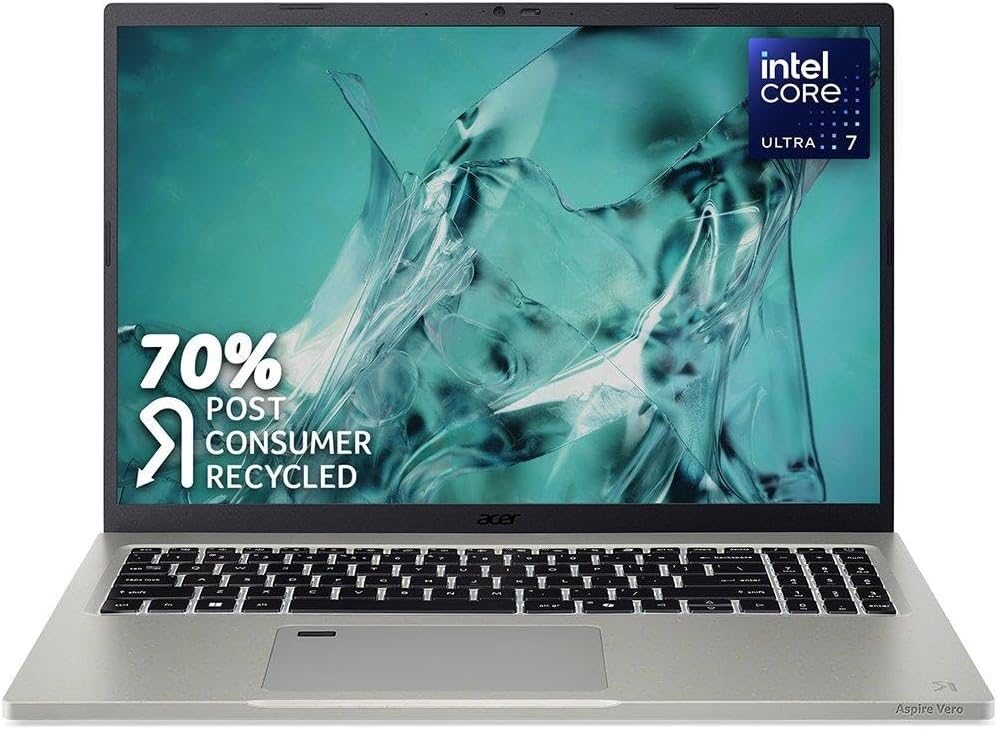 Acer Aspire Vero 16 Acer Aspire Vero 16 | A sensible big-screen laptop for everyday work and study at £749, as long as you do not need it for long, demanding tasks such as video editing. | £74916 GB memory · 1 TB storage, Price recorded 1 Aug 2026 | Check price |
Worth reading next
Where our findings come from
Research-based review. We have not tested this laptop ourselves. Specifications and measurements come from TechRadar's review unit, which may differ from the £799 configuration, and from ASUS's UK information; findings quoted here are theirs, not ours. Other listed sources cover Windows 11 requirements and NCSC device security guidance.