Our verdict
The MacBook Air 13-inch has Apple's M4 chip, with a 10-core processor. It has no fan, so it stays silent, and Apple rates its battery at up to 18 hours of video streaming and 15 hours of wireless web browsing. Those are Apple's figures, so your results will vary. The £919 version has 16GB of memory (RAM), which is enough to keep many browser tabs and apps open for years, and 512GB of storage. The 13.6-inch screen is 2560 x 1664 pixels at up to 500 nits brightness, and the laptop weighs 1.24kg. The catch is ports: there are two Thunderbolt 4 ports, so a hub is common, and memory and storage cannot be upgraded later.
Buy it if
- You want a quiet laptop that lasts a full working day
- Your work is mainly browser, documents, calls and light creative tasks
- You already use an iPhone and value simple syncing
Skip it if
- You need Windows-only software
- You need several built-in ports without carrying an adapter
- You store large media libraries on the laptop itself
How it would fit your home
University and office work
Light at 1.24kg, silent and Apple-rated for up to 18 hours of video playback, so it copes with a day of lectures or meetings.
Photo editing and light video
The M4 chip is fast for ordinary projects, though the 512GB of storage needs managing.
PC gaming or engineering software
A Windows laptop with a separate graphics chip is the safer choice.
The details, in plain English
Everyday work
The M4 has a 10-core processor (4 performance cores for hard tasks, 6 efficiency cores for light ones). In use that means web browsing, Office documents, video calls and photo organisation feel immediate, and the laptop wakes almost as quickly as a phone. With no fan it makes no noise. Long video exports can slow down compared with a cooled MacBook Pro, but most users rarely keep up that kind of workload.
Battery and portability
Apple quotes up to 18 hours of video streaming and 15 hours of wireless web browsing. Those are Apple's own test figures, so expect less with a bright screen and heavy use. At 1.24kg it is easy to carry. MagSafe 3, the magnetic charging plug, keeps both Thunderbolt 4 (USB-C) ports free. Even so, a small hub is common if you use a monitor, memory card or wired mouse.
Screen, sound and camera
The 13.6-inch screen is 2560 x 1664 pixels (224 pixels per inch), so text is crisp. Apple rates it at 500 nits, a measure of brightness, which is fine indoors but can struggle beside a sunny window. There are four speakers with Spatial Audio and Dolby Atmos support, and a 12MP camera with Center Stage, which keeps you in frame on video calls. A 3.5mm headphone jack is included.
Storage and compatibility
Our £919 model has 16GB of memory and 512GB of storage. That is a safer starting point for long ownership than a smaller drive, although large photo, video or game libraries can still fill it. Neither can be upgraded later, and Apple's upgrades cost a lot. Before buying, check any workplace, accounting, engineering or gaming software by name, because a Windows-only application will not simply run.
Strengths and drawbacks
What it does well
- Silent: the M4 chip needs no fan, so nothing whirs during calls or documents
- Apple rates it at up to 18 hours of video streaming, enough for a working day away from a socket
- 16GB of memory as standard: room for many tabs and apps for years
- Light at 1.24kg, with MagSafe 3 magnetic charging that leaves both Thunderbolt ports free
- Sharp 13.6-inch screen (2560 x 1664), four-speaker sound and a 12MP camera for calls
What to watch out for
- Only two Thunderbolt 4 (USB-C) ports, both on the same side, so a hub is common
- Apple charges heavily for storage upgrades
- Memory and storage cannot be upgraded later
- Some specialist programs and games still require Windows
Microsoft's Surface Laptop offers a similarly calm Windows experience, while ASUS and Lenovo provide more ports or screens with richer blacks for the money. The MacBook Air remains the reference point for battery life, silence and trackpad quality.
Make the Apple MacBook Air 13-inch (M4) easier to live with
Add-ons that answer a drawback we named above. Check compatibility with your exact model before buying.
Solves: only two Thunderbolt 4 (USB-C) ports, both on the same side, so a hub is common
Belkin Connect USB-C 7-in-1 Multiport Hub Adapter AVC009btSGY Not yet reviewed by us
Adds sockets for USB-A accessories, an HDMI display or memory cards when the laptop’s built-in ports are too few.
Check first: Host USB-C must support the required video/charging functions. This hub is not a high-refresh gaming dock.
Alternatives we have reviewed
| Product | Our verdict | Price | Buy |
|---|---|---|---|
 Apple MacBook Air 13-inch (M4) (this one) Apple MacBook Air 13-inch (M4) (this one) | The easiest laptop to recommend for most Apple-friendly households, as long as you can live with two ports and do not need Windows-only software. | £1,199RRP · 16GB memory and 512GB storage, RRP recorded 12 Oct 2026 | Check price |
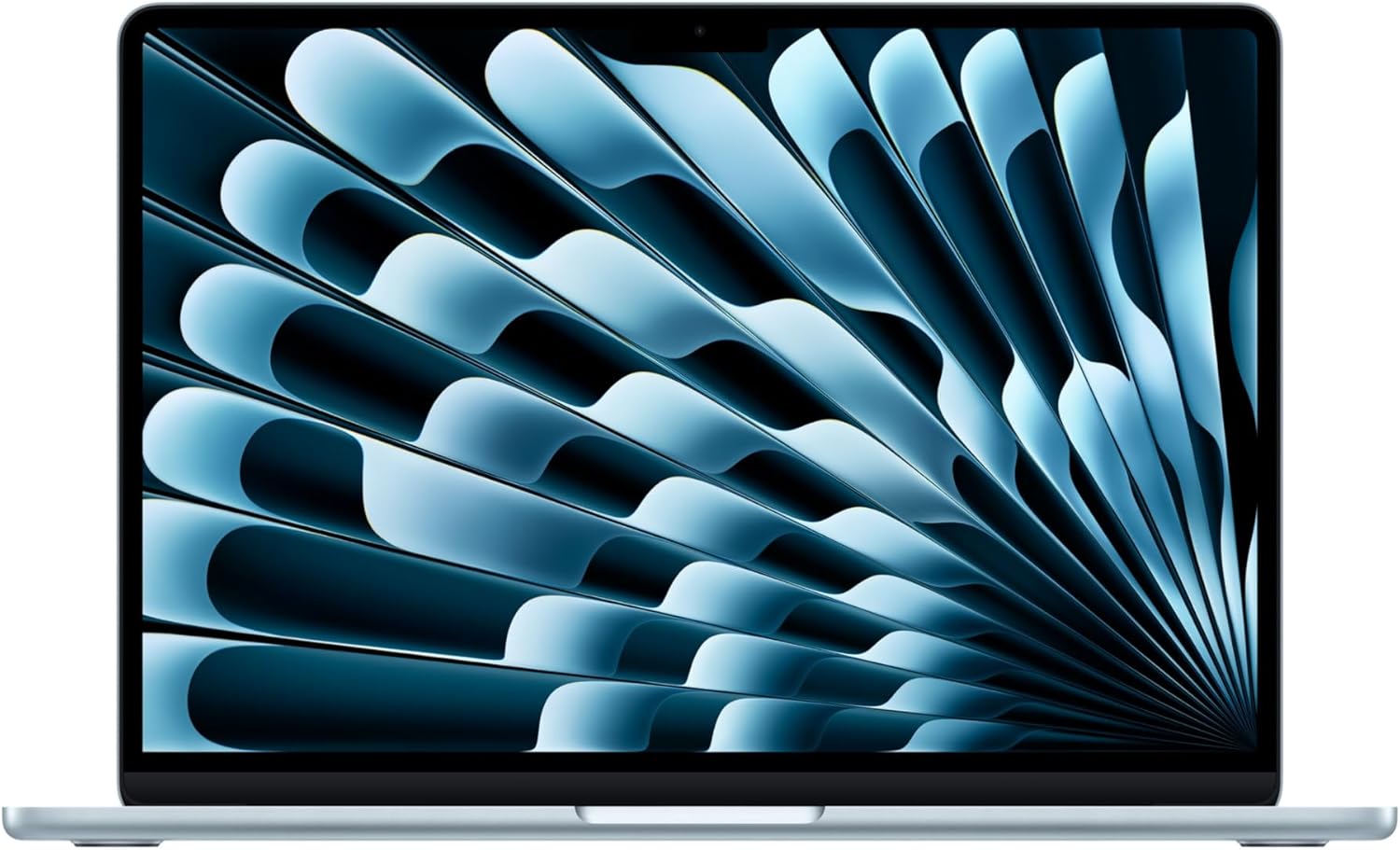 Apple MacBook Air 13 M5 Apple MacBook Air 13 M5 | A strong fit for portable everyday work, if two USB-C ports and memory you cannot upgrade suit the way you use a laptop. | £1,099RRP · 13-inch, 16GB memory and 512GB storage, RRP recorded 12 Oct 2026 | Check price |
 Apple MacBook Pro 14-inch (M5) Apple MacBook Pro 14-inch (M5) | A superb work laptop for anyone who needs long battery life and dependable speed for demanding creative or professional work. | £1,699RRP · 16GB/1TB, RRP recorded 12 Oct 2026 | Check price |
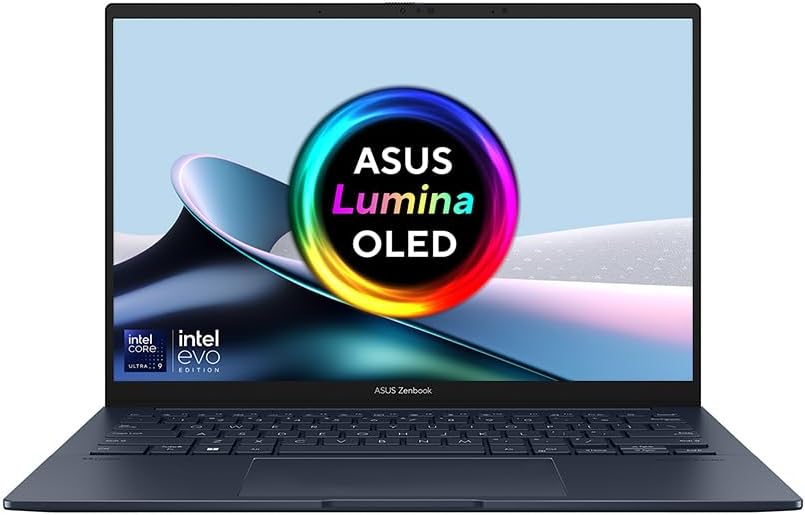 ASUS Zenbook 14 OLED ASUS Zenbook 14 OLED | A light 14-inch laptop with a sharp OLED screen and generous memory and storage, worth £1,099 mainly if you will actually use the 32GB and 1TB. | £1,09932 GB fast memory · 1 TB storage, Price recorded 1 Aug 2026 | Check price |
Worth reading next
Where our findings come from
This research-based verdict combines Apple's technical information with independent testing, placing greater weight on battery life, sustained everyday performance, storage practicality and software compatibility than on short speed test wins.