Our verdict
The Acer Chromebook 314 runs ChromeOS, Google's operating system built around the Chrome browser, web apps and Android apps. It has a 14-inch screen, big enough for a document and a video side by side. This version has 4GB of memory (RAM), the working space for open tabs and apps: fine for a few at once, but it slows down with many. Its 128GB of eMMC storage, a slower, cheaper type of flash memory, holds more downloads and offline files than the 64GB found on some bargain Chromebooks. Before buying, remember two things: ChromeOS cannot run every Windows desktop program, and 4GB leaves little room for demanding multitasking. The exact 4 GB memory · 128 GB eMMC version was listed at £179 in the UK when checked on 1 August 2026.
Buy it if
- Your day is mostly web browsing, email, Google Docs and streaming
- You want a low-cost laptop for a student or a second machine at home
- You would use the extra 128GB for offline files and downloads
Skip it if
- You need Windows programs such as full Microsoft Office desktop apps or specialist software
- You keep dozens of tabs open or edit photos and video
- You want a laptop to last many years; more RAM gives more headroom
How it would fit your home
Homework and study
Web-based tools, Google Docs and video lessons suit ChromeOS and a 14-inch screen well.
A household laptop
For browsing, email, online banking and streaming, 4GB of RAM is enough if you keep the number of open tabs sensible.
Wrong fit
If you rely on Windows software or heavy multitasking, spend more on a laptop with 8GB or 16GB of RAM.
The details, in plain English
Work, study and everyday use
ChromeOS is built around the Chrome browser, so anything you do on the web works as you would expect, and Android apps from the Play Store add more. The 4GB of RAM, which holds the apps and tabs you have open, handles a handful at once. Open many more and the laptop will slow as it juggles them. It is a light-duty machine for browser-based routines.
Storage
This version has 128GB of eMMC storage. eMMC is a cheaper, slower kind of flash storage than the SSD in most mid-range laptops, so installing apps and copying large files take longer. The space is twice that of several bargain Chromebooks, which helps if you keep films, music or documents offline for travel. Most people will still use cloud storage such as Google Drive for the bulk of their files.
Screen and battery
The 14-inch screen is a practical size for documents, web pages and video calls while keeping the laptop portable. Acer designs it for time away from a charger, although real battery life depends on brightness and what you are doing. TechRadar measured close to 13 hours of video playback, but on an earlier 2021 version with 32GB of storage, so treat that as a guide rather than a promise for this exact model.
What may frustrate you
ChromeOS cannot run every Windows desktop program, so check any software a school or employer requires. With 4GB of RAM there is little room for demanding multitasking. Local storage is limited, so cloud storage or an external drive may be needed. If one of these affects the way you would use it most often, a different model is the safer choice.
Strengths and drawbacks
What it does well
- 128GB of storage: twice the local space of several bargain Chromebooks
- 14-inch screen with room for documents, video calls and films
- Built for time away from the charger, although real use will vary
- ChromeOS updates itself and is simple to keep secure
What to watch out for
- ChromeOS cannot run every Windows desktop program, such as some specialist or school software
- 4GB of RAM leaves little room for many tabs or demanding multitasking
- eMMC storage is slower than the SSD in pricier laptops, and space still fills up, so cloud storage or an external drive may be needed
The Acer Chromebook 314 14 is compared with memory, storage, screen and operating system kept visible; a cheaper low-memory model is not treated as the same machine. Chromebooks with 64GB of storage cost less, while Windows laptops or Chromebooks with 8GB of RAM or more give extra headroom for more money.
Make the Acer Chromebook 314 14 easier to live with
Add-ons that answer a drawback we named above. Check compatibility with your exact model before buying.
Solves: eMMC storage is slower than the SSD in pricier laptops, and space still fills up, so cloud storage or an external drive may be needed
Samsung Portable SSD T7 1TB MU-PC1T0T/WW Not yet reviewed by us
Adds external space for files without relying on a later internal-storage upgrade. It cannot add RAM or make a weak processor faster.
Check first: Adds external file storage, not RAM or internal upgradeability.
Alternatives we have reviewed
| Product | Our verdict | Price | Buy |
|---|---|---|---|
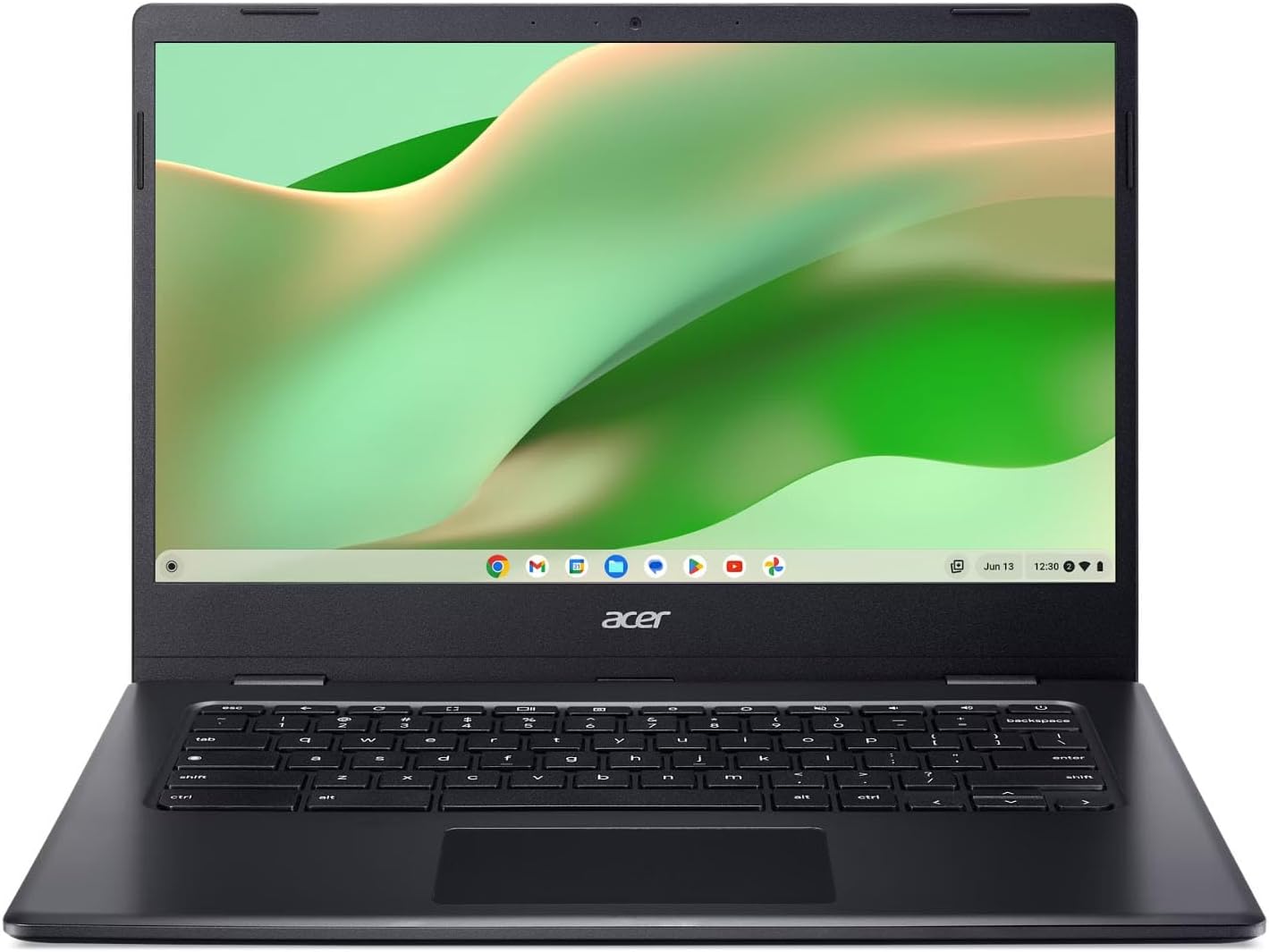 Acer Chromebook 314 14 (this one) Acer Chromebook 314 14 (this one) | A sensible low-cost laptop for web-based study and home use, but this 4GB/128GB version falls below our preferred 16GB/512GB long-term laptop standard. | £1794 GB memory · 128 GB eMMC, Price recorded 1 Aug 2026 | Check price |
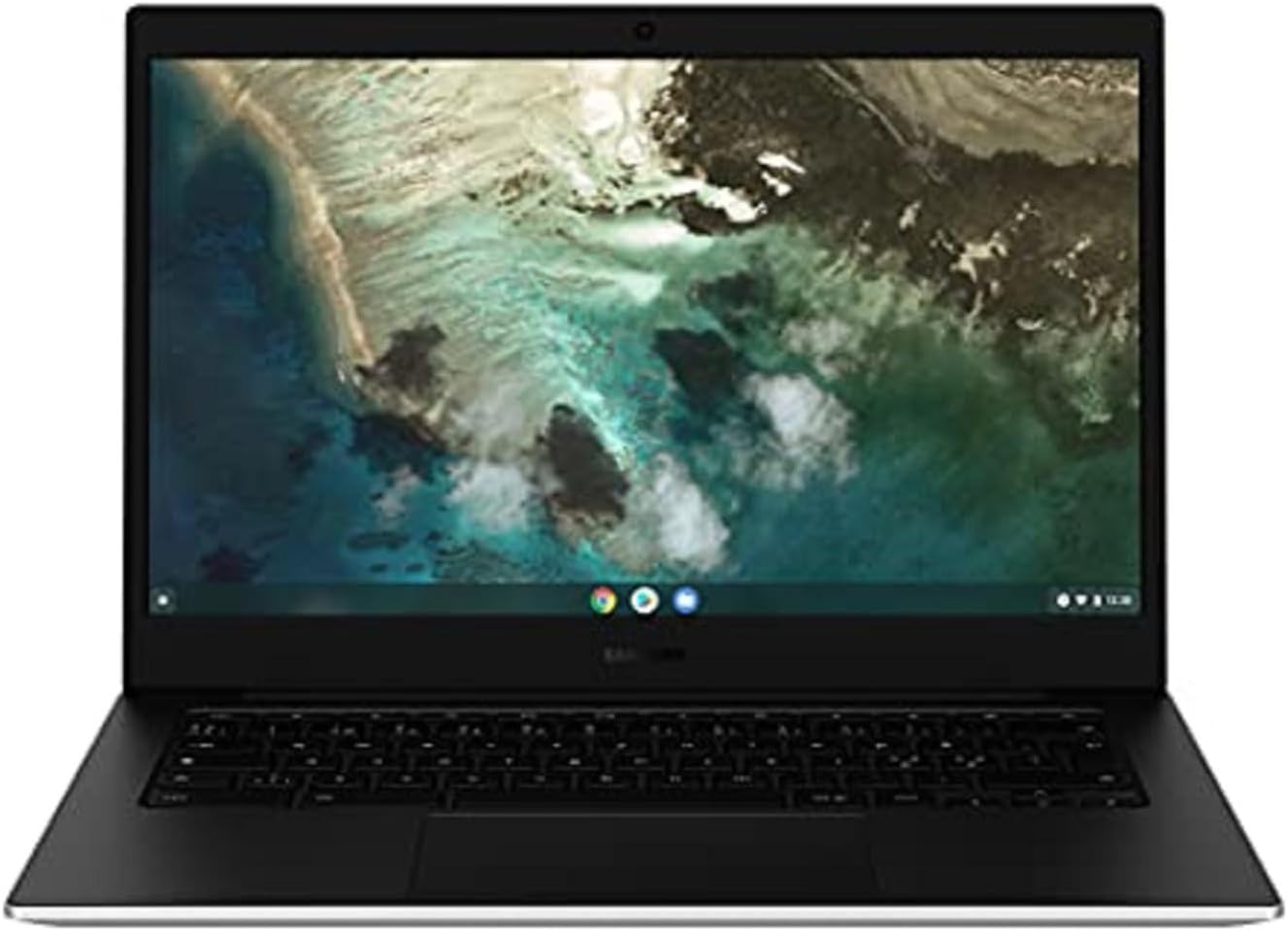 Samsung Chromebook Go 14 Samsung Chromebook Go 14 | A cheap, simple laptop for web-based work, email and homework, as long as you accept ChromeOS, 4GB of memory and 64GB of storage. | £1794 GB memory · 64 GB eMMC, Price recorded 1 Aug 2026 | Check price |
 HP Chromebook 15a-nb0504sa HP Chromebook 15a-nb0504sa | A roomy, low-cost laptop for browsing and online study, but this 4GB version falls below our preferred 16GB/512GB long-term laptop standard. | £1994 GB memory · 128 GB phone storage, Price recorded 1 Aug 2026 | Check price |
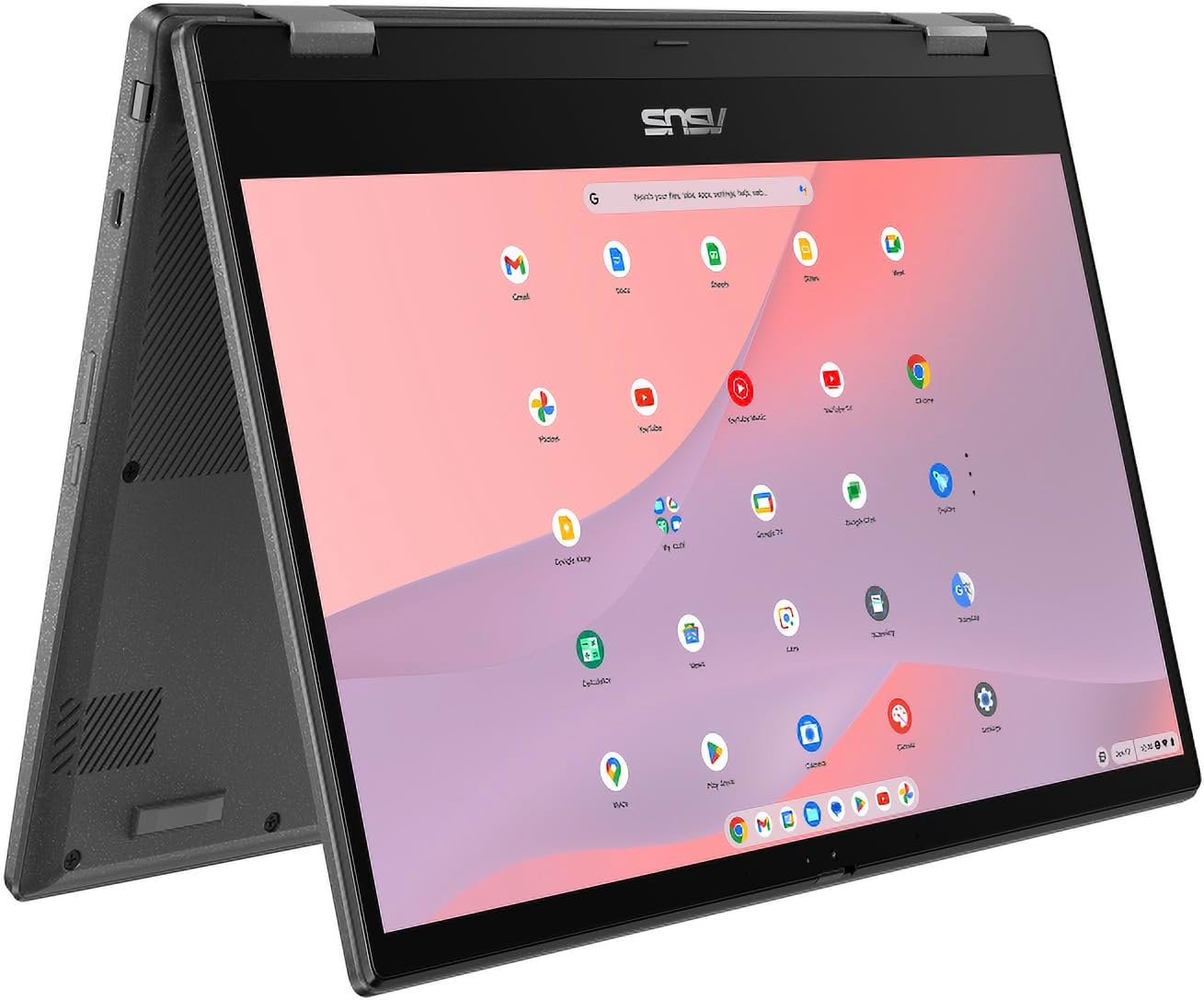 ASUS CM14 Flip Chromebook ASUS CM14 Flip Chromebook | A good pick if you want a Chromebook that doubles as a tablet for light use, but this 4GB/128GB version falls below our preferred 16GB/512GB long-term laptop standard. | £2494 GB memory · 128 GB eMMC, Price recorded 1 Aug 2026 | Check price |
Worth reading next
Where our findings come from
Research-based review: we have not tested this laptop ourselves. We checked the exact product against the independent and official sources listed below. The battery figure quoted comes from TechRadar's review of an earlier configuration, not our own tests.