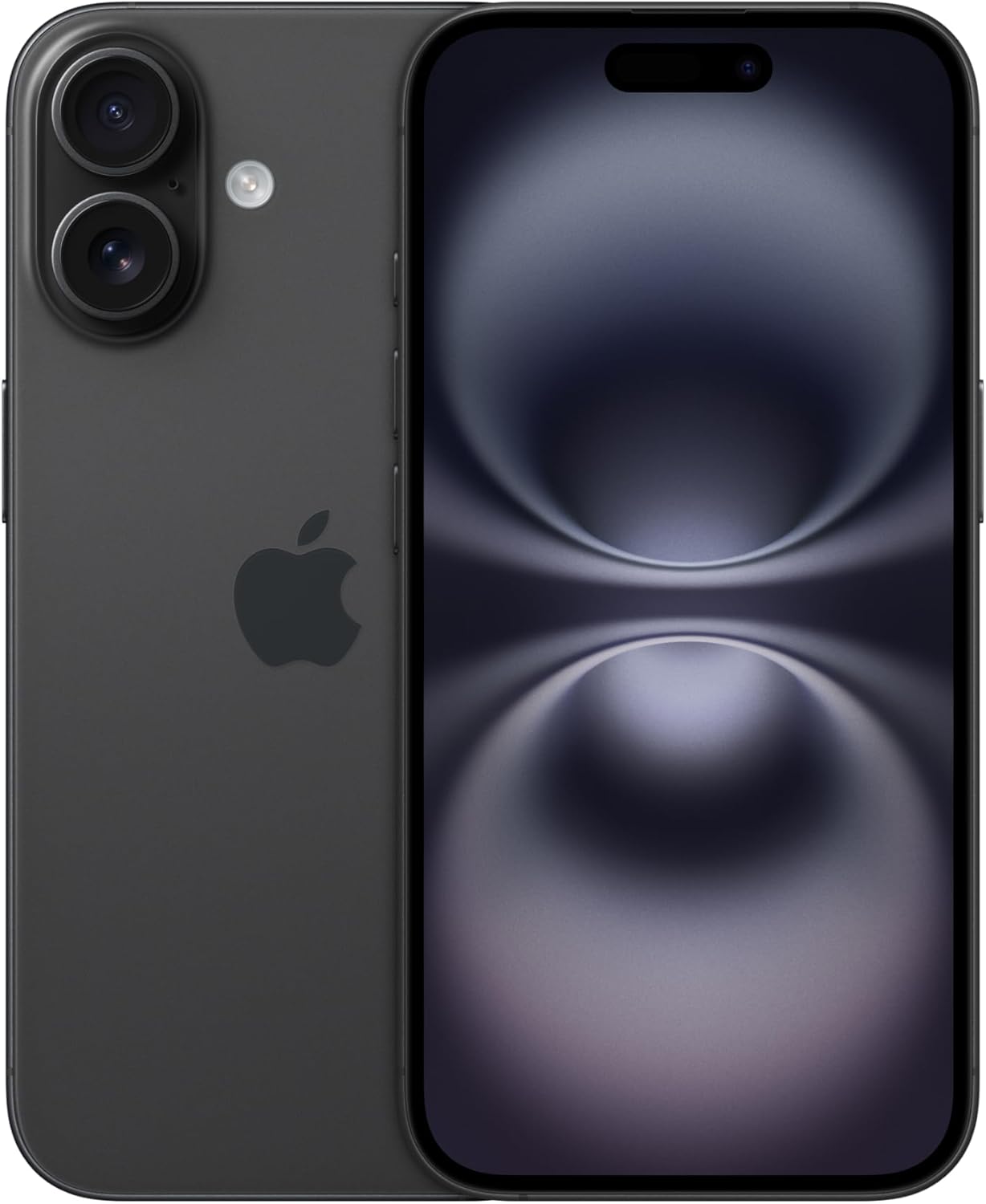
The useful answer
Replace a phone when it is no longer secure, safe, reliable or suitable for something you genuinely need—and repair is not sensible. Age alone is a poor reason. A new battery, storage clean-up or repair can often extend a good phone's life.
1. It no longer receives security updates
Security updates repair weaknesses that could be used to attack the phone. When the manufacturer has ended support, the device may continue to switch on and run apps, but the risk grows over time—especially for banking, email and accounts containing personal information.
Check the exact model and the manufacturer's published support policy. Android brands vary, and the model name matters. Apple does not promise one fixed number of years for every iPhone, so check whether the latest compatible security update is available rather than relying only on age.
2. The battery or physical condition is unsafe
Stop using a phone with a swollen battery, separating screen, unusual heat, smoke, smell or serious charging damage. Do not press a lifting screen back into place. Turn the device off if safe and seek advice from the manufacturer or a reputable repairer.
Ordinary battery wear is different. If the phone is otherwise suitable, a professional battery replacement can be much cheaper than a new handset and may restore dependable all-day use.
3. Important apps or features no longer work
Replacement becomes reasonable when essential banking, authentication, accessibility or work apps no longer support the phone's software and no safe update is available. The same applies when an older device cannot use a network or accessibility feature that you genuinely require.
Do not upgrade only because an advertisement describes a new feature as essential. Start with the task you cannot complete, then identify the least expensive safe way to solve it.
4. Everyday reliability is costing you time
Constant crashes, missed calls, unreliable charging or severe delays can justify replacement after sensible fixes have failed. First restart the phone, install available updates, remove unused apps and check free storage. A nearly full device can behave poorly without being permanently worn out.
Back up important information before resetting or repairing anything. If problems continue, ask for a written repair quote and diagnosis rather than guessing.
5. The repair no longer makes financial sense
Compare the repair quote with the cost of a suitable replacement—not automatically the newest flagship. Consider the repaired phone's age, remaining software support, battery condition and any other damage.
A screen repair can be sensible on a recent premium phone and poor value on a very old budget model. The decision changes with the actual quote and the price of a realistic alternative.
6. Storage remains unmanageable after a proper clean-up
Delete unnecessary downloads, review large videos, clear supported app caches and move backed-up files before replacing a phone for storage alone. If the device is still constantly full because your genuine needs exceed its fixed capacity, a higher-storage replacement may save repeated frustration.
7. Your needs have genuinely changed
A better camera for a new baby, stronger battery for delivery work, hearing-aid compatibility or a larger, clearer display can be valid reasons to change. Write down the exact improvement you need and test it in store. This prevents paying for unrelated features that will never help you.
Before replacing, back up the old phone, confirm account passwords and authentication access, then erase it securely only after the new device is working. Recycle or trade it in through a reputable service rather than leaving personal data on an unused handset.
The sources behind this advice
Read the original information and testing.
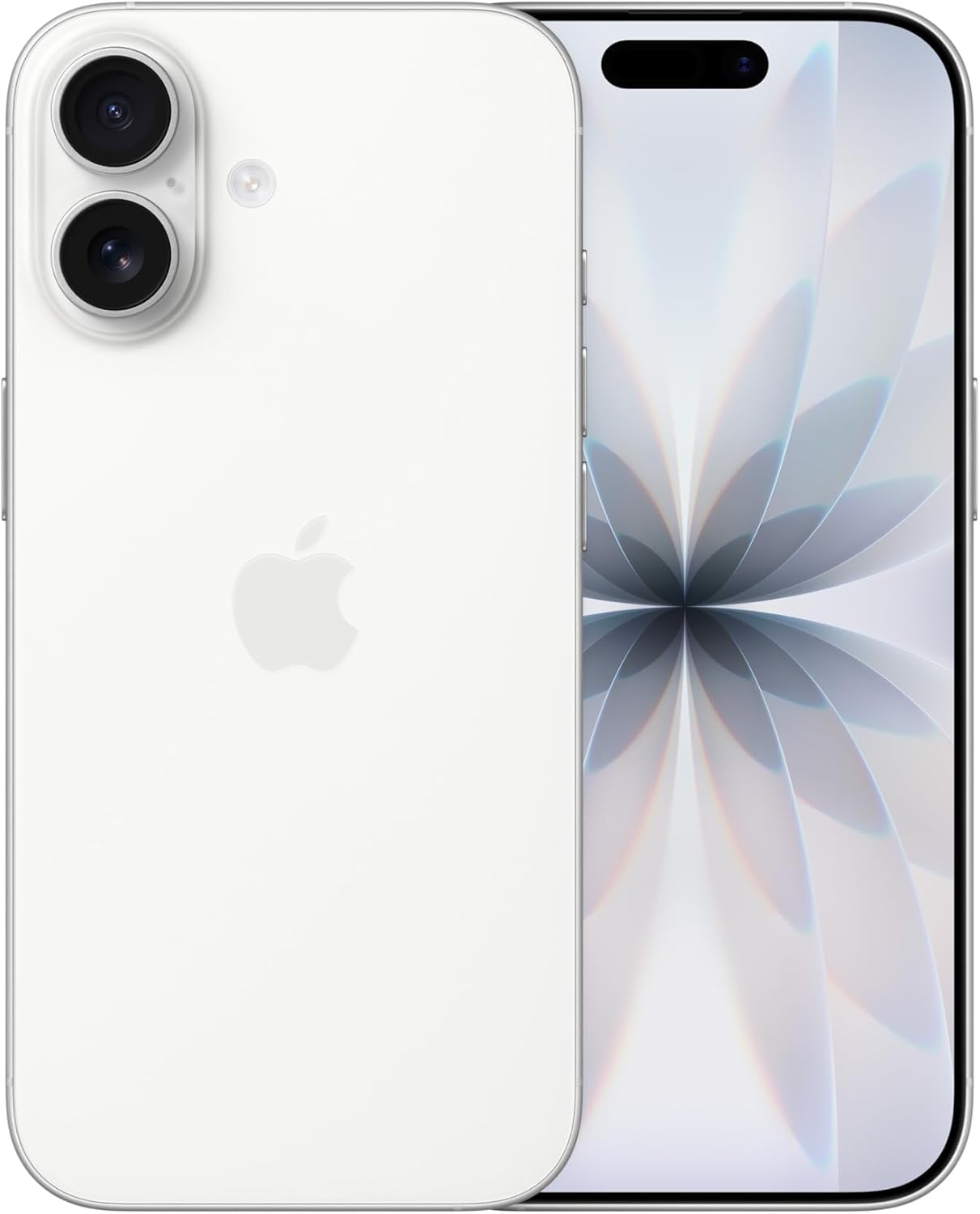 Amazon product listing image
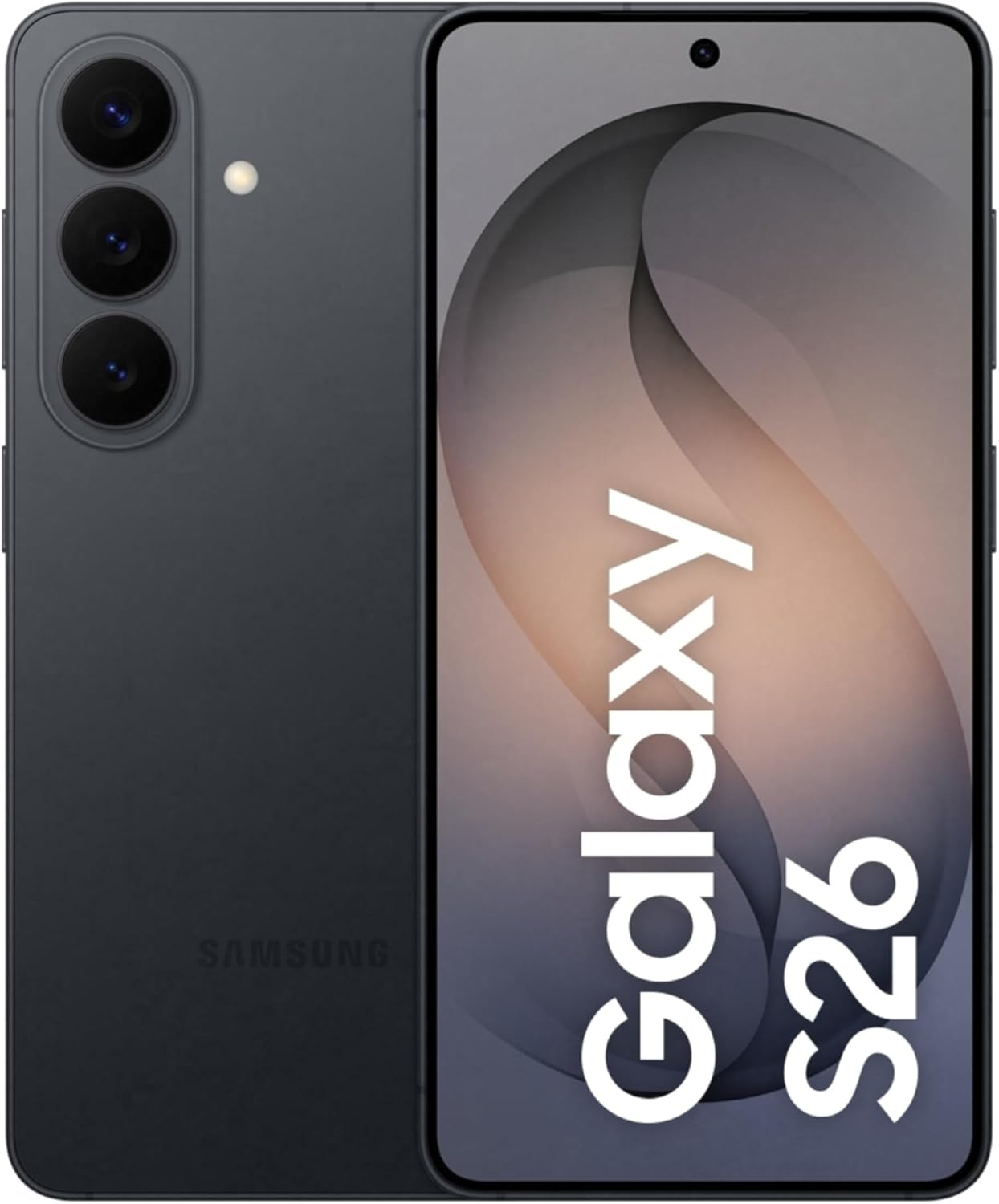 Amazon product listing image
 Amazon product listing image